- Space Play
- N Next signal
- P Previous signal
- ←→ Seek
- C Captions
- F Fullscreen
Turn your phone sideways to see the ladders.
Shown here as a phone held sideways, where the ladders switch on by themselves. Bar is the layout for desktops, tablets and phones held upright.
Signal log · Artemis II
Pick a frame to jump the player there.
The idea
Most players treat the timeline as a progress bar. Vernier treats it as a scale you read.
The track is a ruler with a tick every second and a major tick every minute, and the playhead is a needle. Time sits in a tape gauge that rolls to the next digit instead of flicking over.
Signals are keyframes
In editing software you drop keyframes where something changes. Vernier does the same for viewers. Each moment worth finding becomes a signal on the scale, with a shape that tells you what kind of moment it is before you hover. N and P jump between them, and the next one is always counted down beside the play button.
- Waypoint A place you pass through. A new scene, a new section.
- Contact Something arrives. A goal, a reveal, a guest.
- Anomaly Something breaks pattern. The only signal in ember.
Signals are a plain WebVTT file (type | title then a detail line), so anyone can write them.
The same file could mark plays in a match, steps in a tutorial or beats in a trailer.
Held like a controller
Turn a phone sideways and the bar splits into two ladders, one under each thumb. Volume and play on the left. On the right, the signals stand up as a vertical rail you can step through. The picture sits in the gap between them, so nothing covers it.
How it got here
Three first directions, then the merge that became Vernier.
-
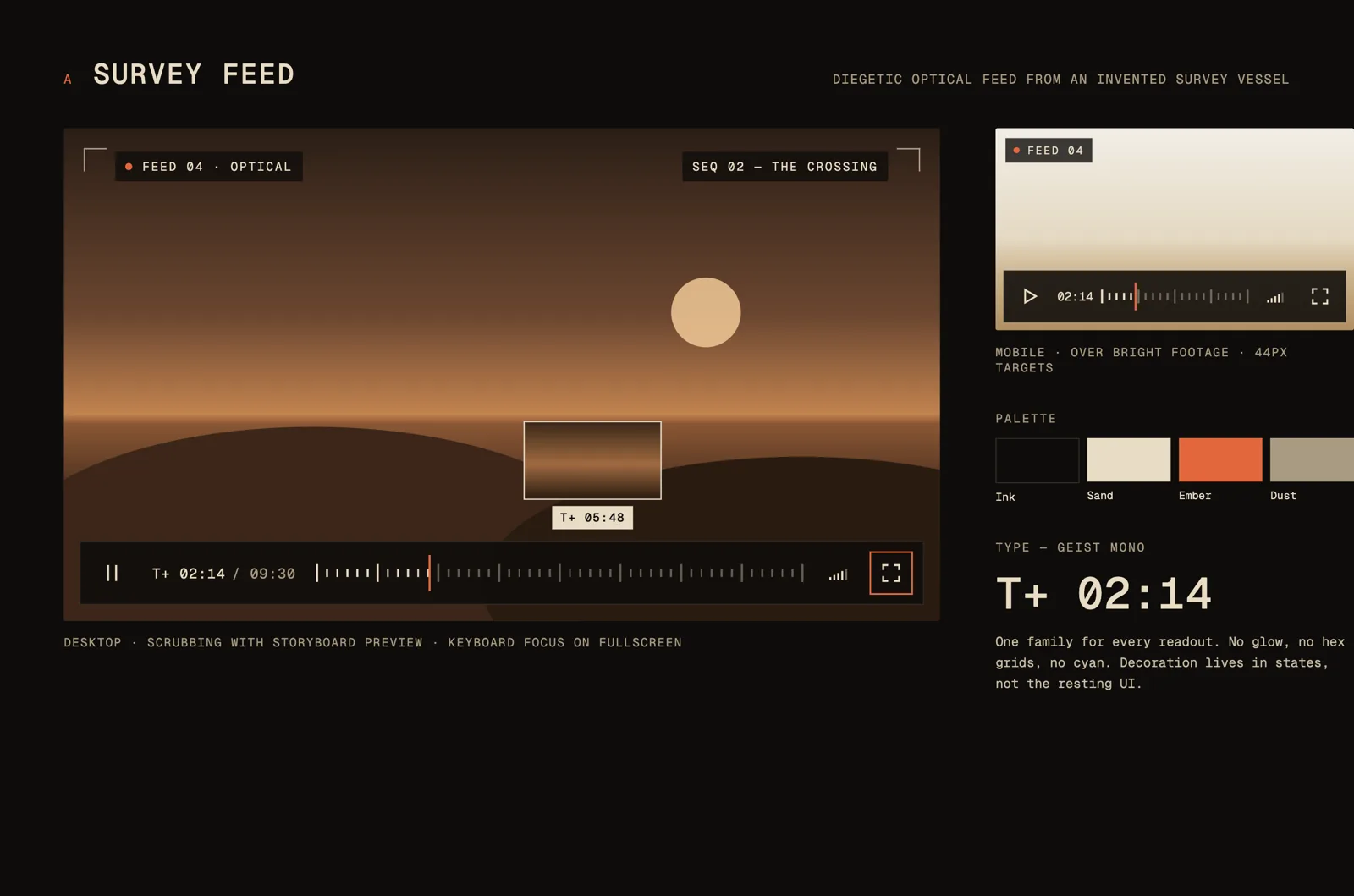
A · Survey Feed
V1 draft of the idea. A good base, but lacking visual interest.
-
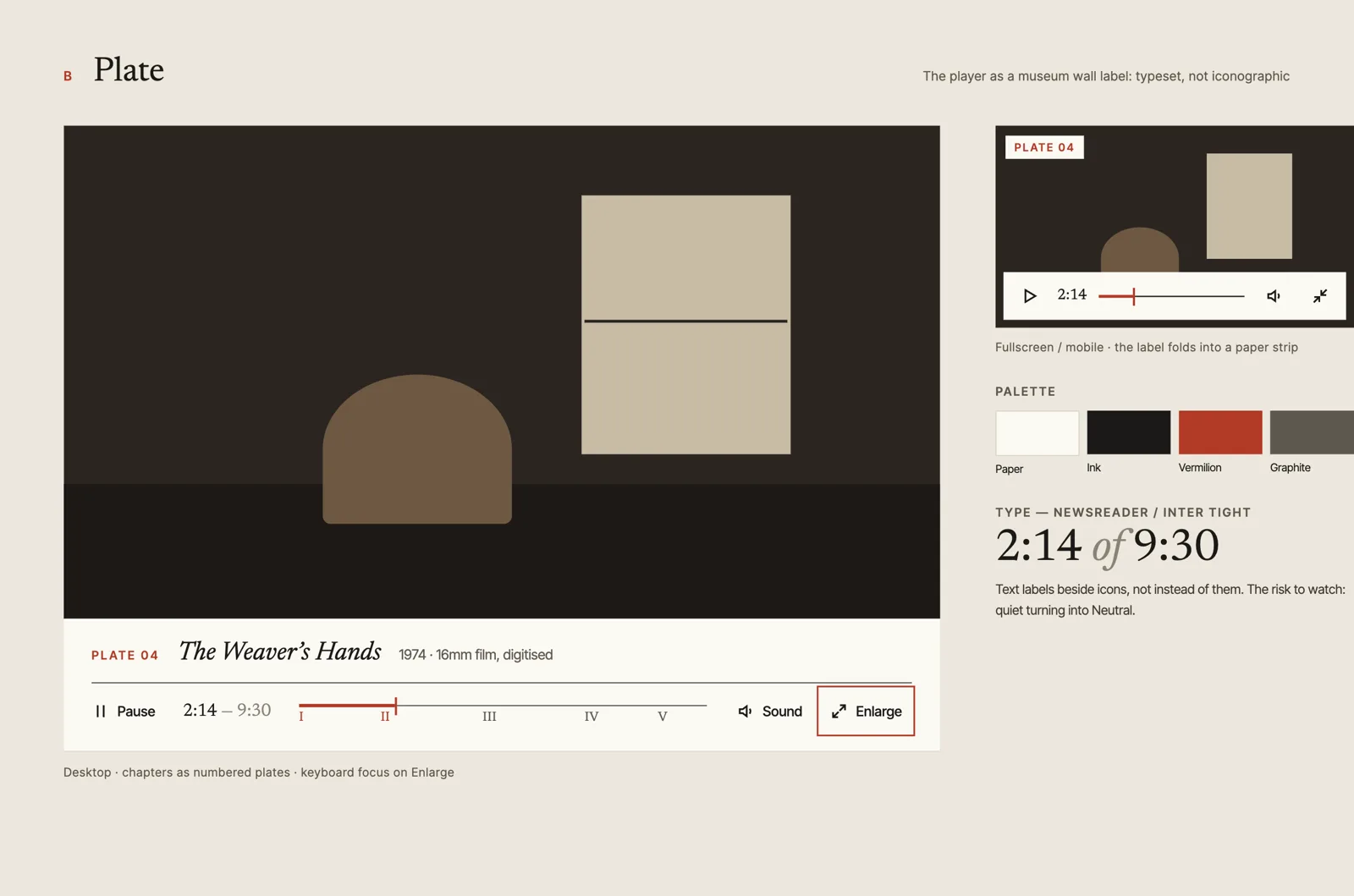
B · Plate
An alternate first concept. Dropped for A, as it didn't have the same potential.
-
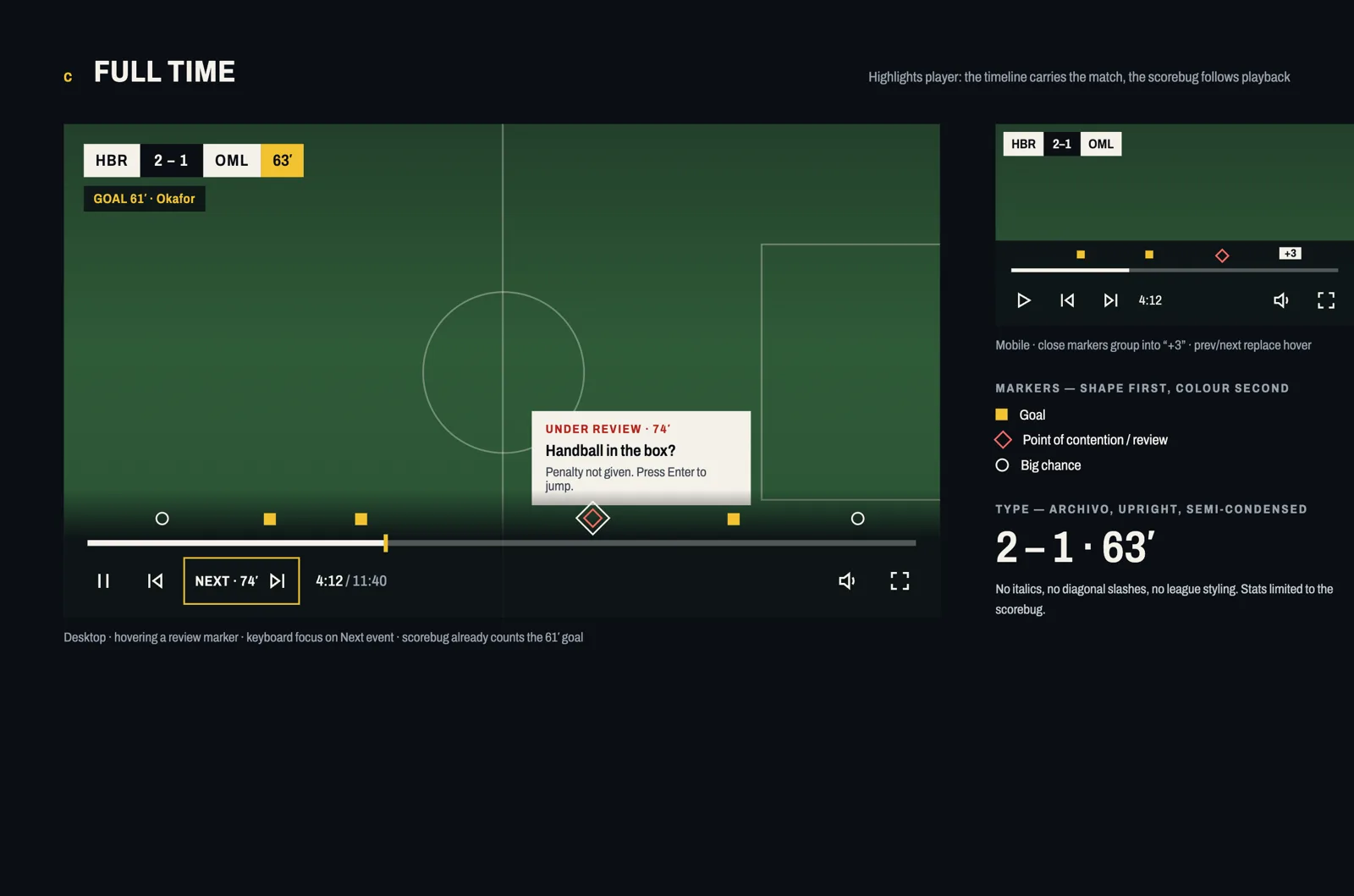
C · Full Time
Sports with moment highlights. I really liked this one too, but A felt closer to the brief's call for visual interest.
-
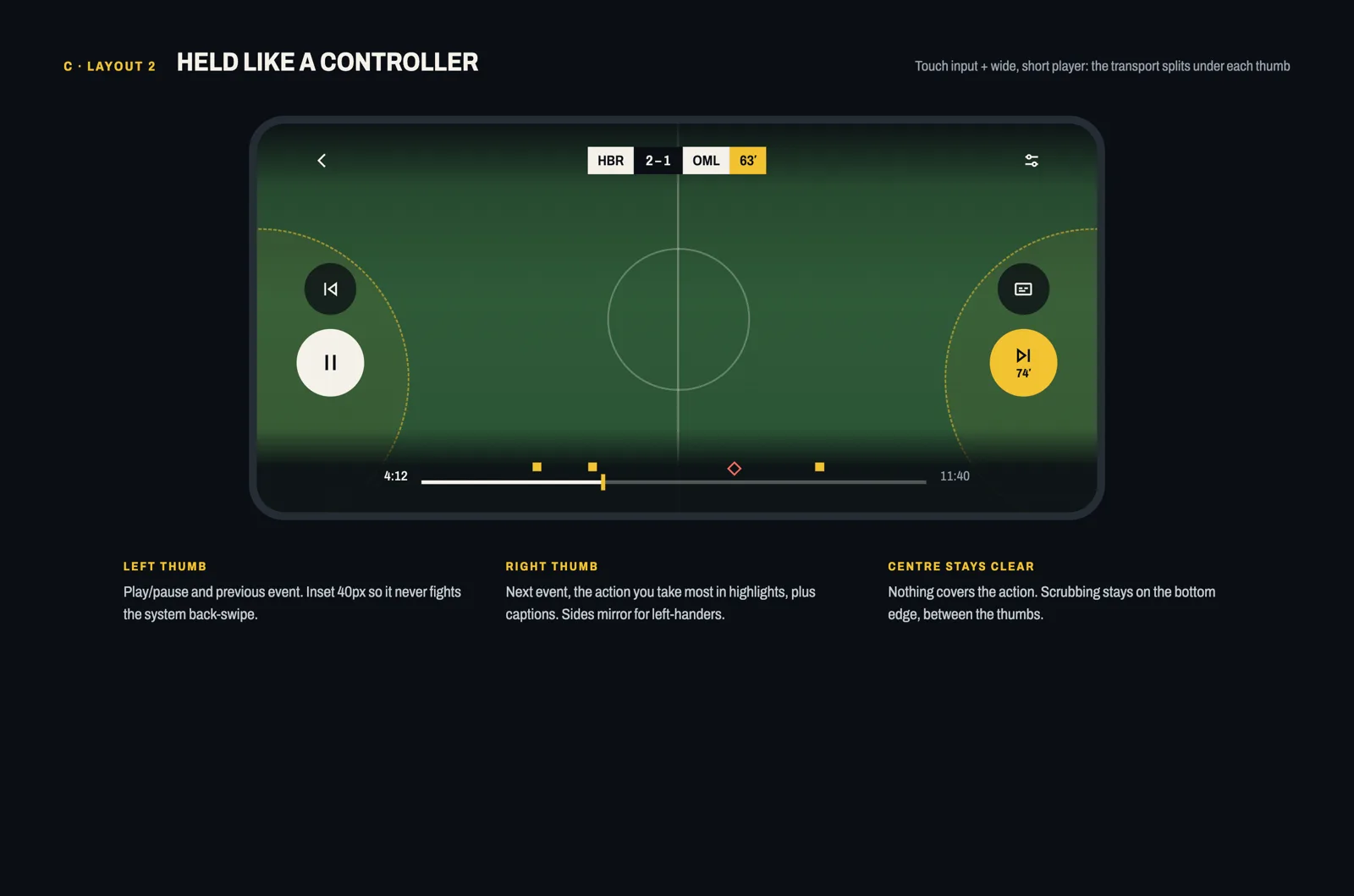
C · Held like a controller
Controls on either side of the screen, like a game controller.
-
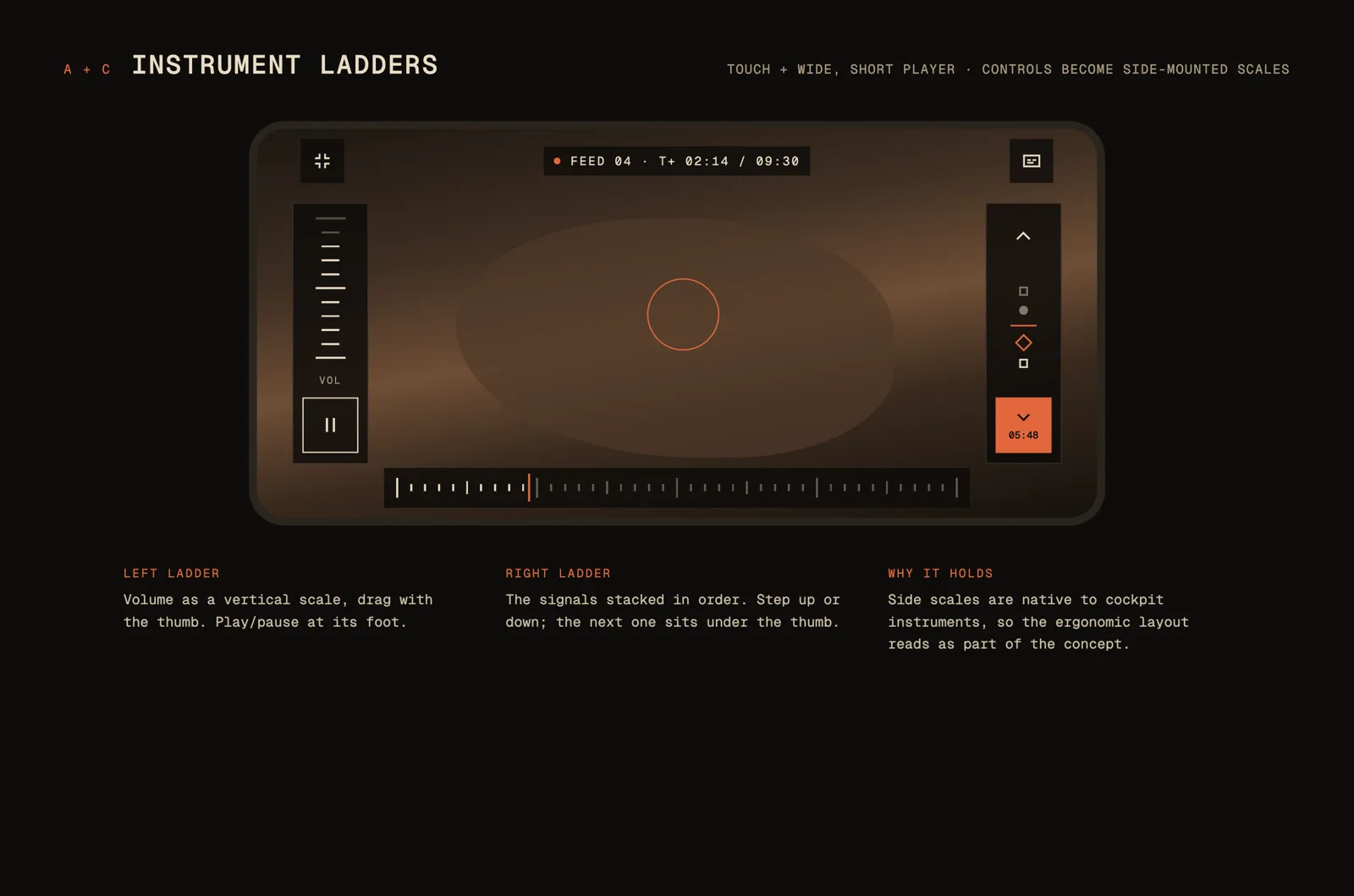
A + C · Instrument ladders
Ideal for mobile, so you never have to stretch your thumbs or fingers.
-
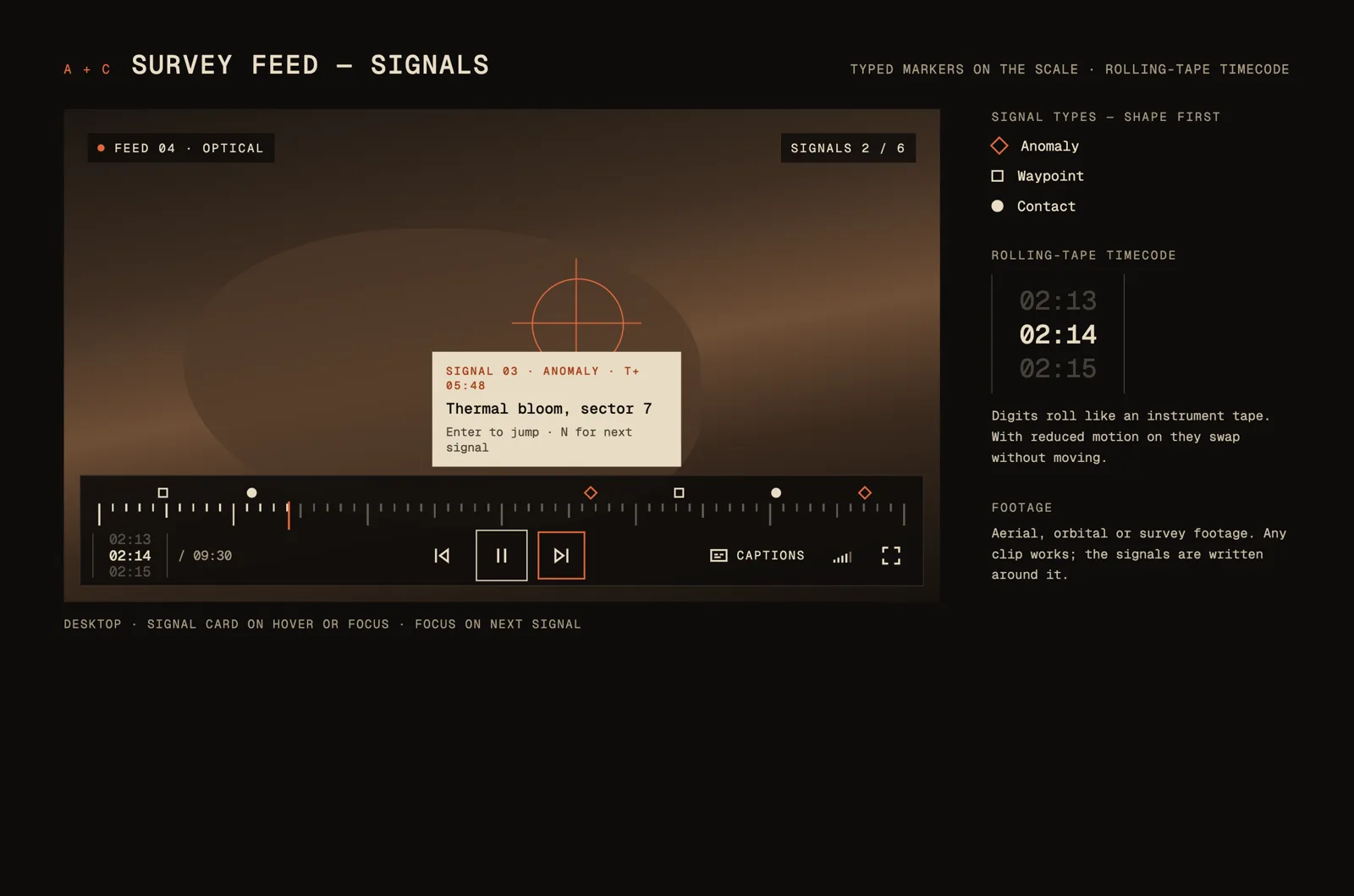
A + C · Signals
Typed markers on the scale, like keyframes in editing software.
-
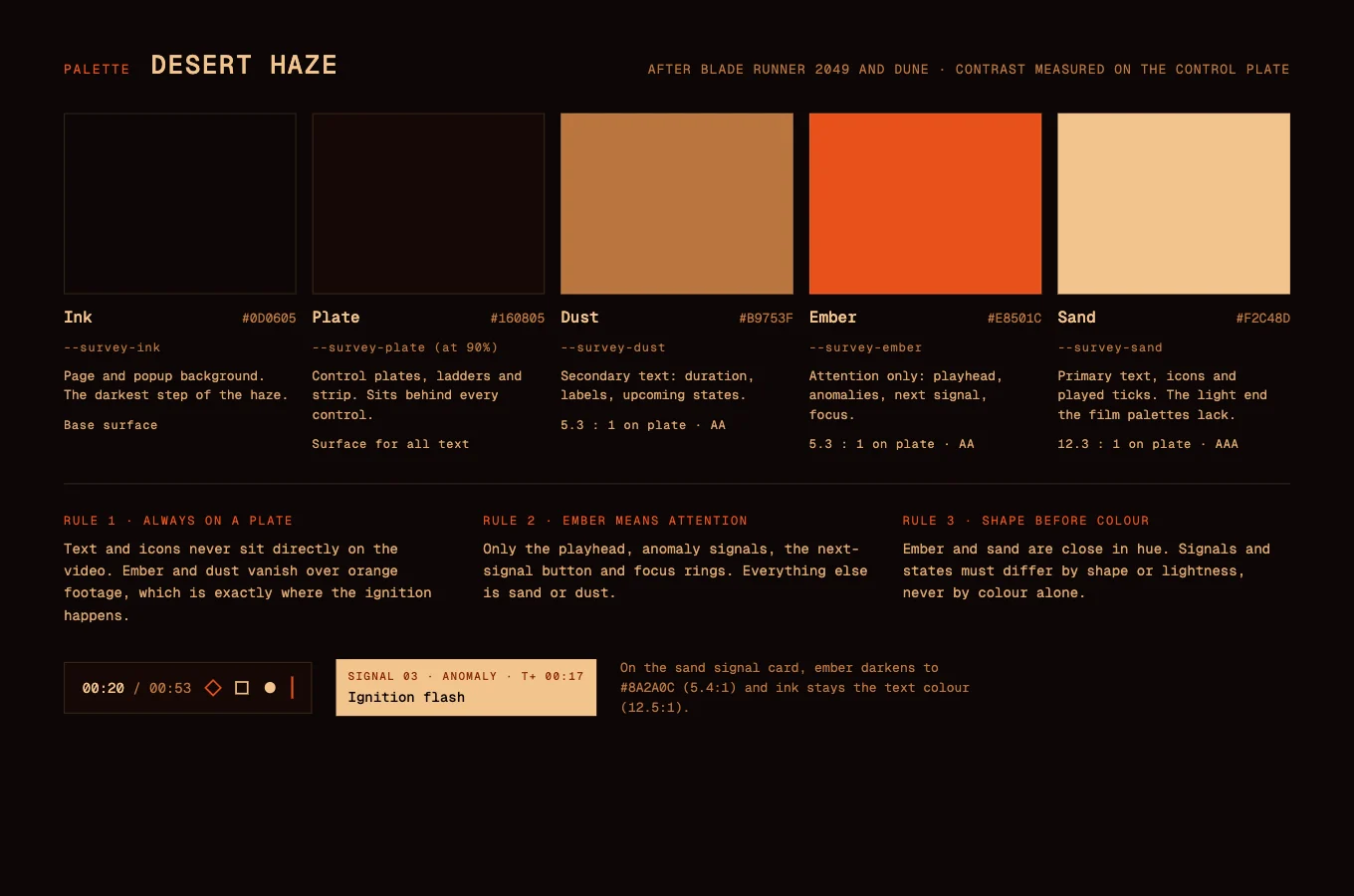
Palette · Desert haze
The final palette, from the desert in Blade Runner 2049 and the opening of Dune: Part Two.
Influences
- Film interfaces
- The instrument screens in Dune, Blade Runner 2049, Tron and Star Wars. Read for their restraint: thin rules, one hot colour, type that never shouts.
- Desert haze
- The palette comes from the orange dust of those films. Near-black with a warm cast, sand for what has played, ember kept back for warnings.
- Gauges and scales
- A vernier scale lets you read between the marks on a ruler. The tape timecode borrows from altimeters and odometers.
- Tape decks and edit suites
- The wide, flat icon set comes from VHS players, cassette decks and edit consoles, where buttons are wider than they are tall.
The system
Palette, in proportion
Ink does almost all the work. Ember is kept rare, so when it shows up it means something.
- Ink
#0D0605 - Sand
#F2C48D - Dust
#B9753F - Ember
#E8501C
Type
Geist Mono throughout. Fixed-width digits keep the tape steady as it rolls.
Icons
Twenty-three icons, drawn wide and square-cornered to sit together like a row of deck buttons.
Accessibility
- Every control works from the keyboard. Signals use one tab stop, then arrow keys move between them.
- Jumping to a signal is announced to screen readers, with its type and title.
- Captions come from the film's own track, and stay inside the picture in both layouts.
- Unplayed ticks meet 3:1 contrast against the plate. Text and the needle go well past it.
- Control buttons are 44px touch targets, on the bar and on the ladders.
- The rolling tape and the loading sweep stop when reduced motion is on. Plates go solid when reduced transparency is on, and the skin follows forced colours.
- On iPhone, fullscreen hands over to Apple's own player, so Vernier shows inline only. iOS also ignores volume set by a page, so the ladder offers mute alone there.
Credits
- Design and build
- Tell Your Friends
- Player
- Video.js v10, Apache 2.0 licence
- Streaming
- Mux
- Footage
- NASA, Artemis II mission recap
- Typeface
- Geist Mono, SIL Open Font Licence